AHEC Digital Library Information
IMPORTANT INFORMATION REGARDING THE AHEC DIGITAL LIBRARY
In June 2025, the NC AHEC Digital Library (ADL) was migrated to a new platform, resulting in two major changes that impacted how our users access those resources.
- Resources previously available in the ADL (as a separate entity) were now available through Cone Health's Medical Library online portal, and authentication is accomplished by Single Sign On (SSO) using Cone Health credentials.
- Individual ADL account login credentials were replaced with MyAHEC account credentials.
This means that while a new ADL interface exists and can be accessed with a MyAHEC login, Cone Health users can access all of those resources using a single interface and are authenticated using Cone Health's SSO credentials.
For questions regarding this change or if you are encountering any issues with access, please contact the library at [email protected].
Cone Health Users
The resources previously available in the ADL are now available through the Cone Health Medical Library Discovery Service and Publication Finder.
- Utilize the search box on the library’s portal.
- Access is granted via Cone Health SSO credentials. If prompted, enter your Cone network login.
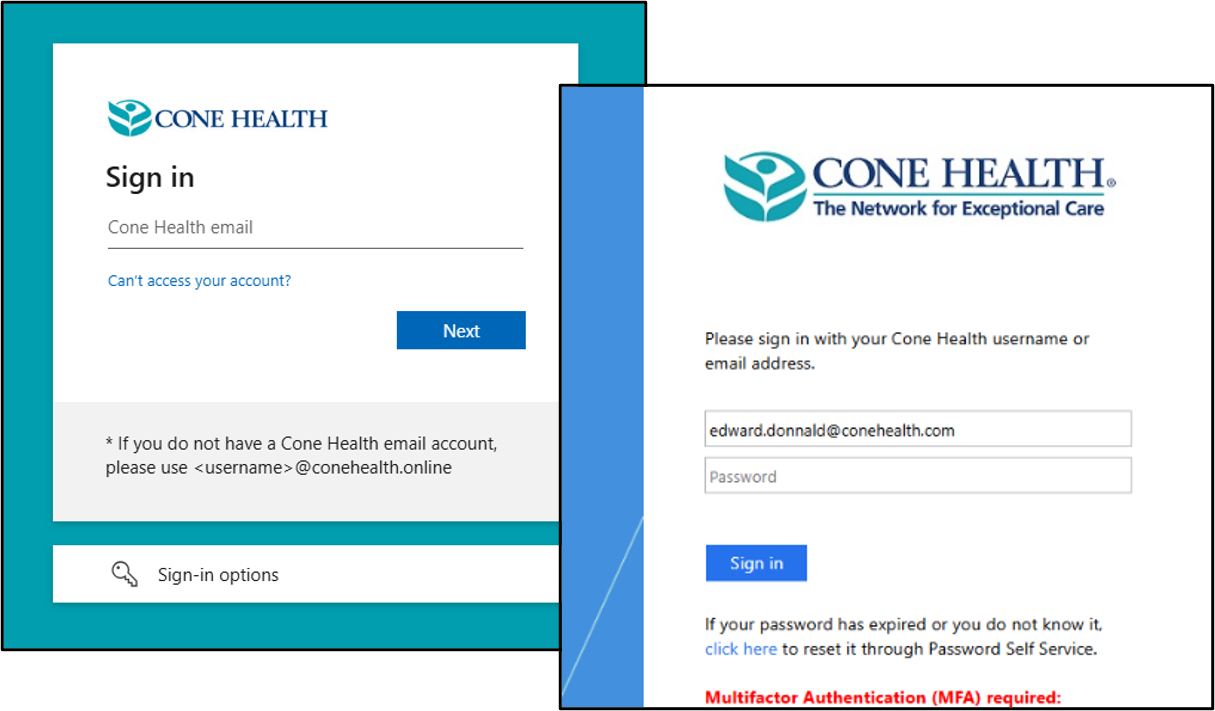
Once authenticated, you should see your search results, connect to a database, or retrieve a full-text article.
UNC Resources
For Faculty and Preceptors who have been granted access to the UNC-Chapel Hill library resources:
- Use the assigned ONYEN for direct access at UNC University Libraries
or - Use the "UNC ACCESS" link at the top of the ADL landing page.
This requires a MyAHEC login. If you don't have one, see How to Apply.
DIRECT Access to the ADL
While...
- the "ADL" resources are available via the Cone Health Medical Library portal,
- authentication is done via Cone Health SSO login credentials,
- it is the suggested method to access the library's resources,
...there may be occasions where you want to just access the ADL directly. In that case...
- authentication is done via a MyAHEC login.
- See How to Apply if you need one.
- there may be cache-related issues (e.g. you were authenticated by Cone SSO and then switched to MyAHEC, and the two authentication methods get entangled in the browser cache), which result in an error message.
If that occurs:- Open a InPrivate (Edge) or Incognito (Chrome) browser window, connect to the ADL, and log in with your MyAHEC credentials.